
October 17th, 2019
Hello there, everybody!
How are you doing?
This is, I believe, going to be the first of many posts about softwares that you can use for ESL teaching or… any teaching. As a matter of fact, I decided to create a new Category called: “Softwares,” for this particular use.
What is it?
 This is a free website in which you can create pretty impressive videos despite not having any editing skills. This means that you can ask students to do small videos quite easily after a short tutorial. Teachers can even make their own tutorial videos to allow students the leisure of discovering the website on their own.
To create videos, students and teachers can choose a template and replace the images and videos with their own choices of images and videos. These new images or videos can be from the Animoto website’s stock [that way, we don’t have to worry about copyrights and stuff], or it can be the user’s own library. If they need to add more to their videos, it is also possible.
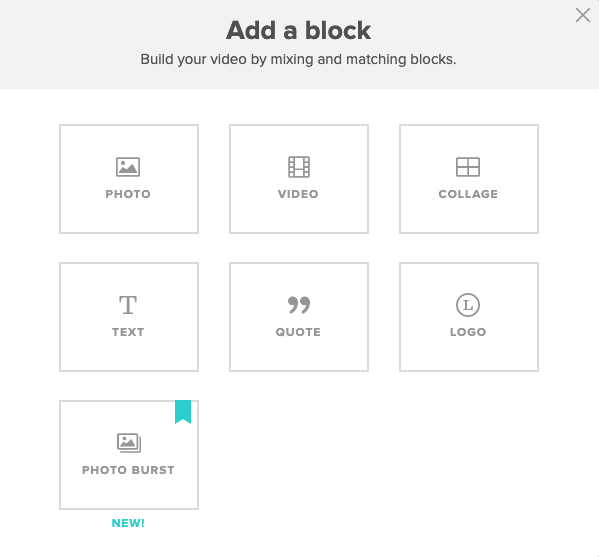 The videos are separated into “blocks,” and people can add different kinds of blocks into their videos. There are many tutorials on how to use Animoto, and here is one from their own website, I invite you to look through them if you don’t want to explore on your own, they explain better than I can.
I made a video myself and let me tell you, the videos are really pretty good, you don’t need to upgrade it or anything, I think that the free use of them is really quite good enough for the students!
After you finish your video, you can download it and post it anywhere, on YouTube, on forums, on your Instagram stories, etc. It is pretty social media-friendly, but this means students can easily make videos, put these in a USB stick and bring the video in class to present!
Have you ever used Animoto? Do you see any pros or cons of using them? Feel free to share!
I hope this was helpful for you!
PV
 Tell Me More About TESL
Pingback: E-Learning Industry | Tell Me More About TESL