
March 25th, 2023
Hi everybody,
I really, really hope this post finds you in good health, both mentally and physically. I hope you’re staying safe and that you’re living your best life!! If not, well, I’m sending you some positive vibes to surmount your obstacles!
On to my discovery of the day:
Some context:
 Today, I was reviewing octogonal projections with my student, and I realized I didn’t have any centicubes. Do you remember centicubes (picture from this link)?
Anyways, I wanted to use legos to help her out, but I realized that centicubes would be the better cubes. The problem was: I don’t own any.
I did what I usually do and I decided to look up some websites that could help me help HER visualize how she could draw out the projections of objects that her teacher was asking her to do. Lo and behold, I found this marvelous website called Didax.
What does it do?
Well, just like the Math Learning Center, Didax (link) has a few applications on their website for you to help your students visualize a few things on the whiteboard or on your computer:
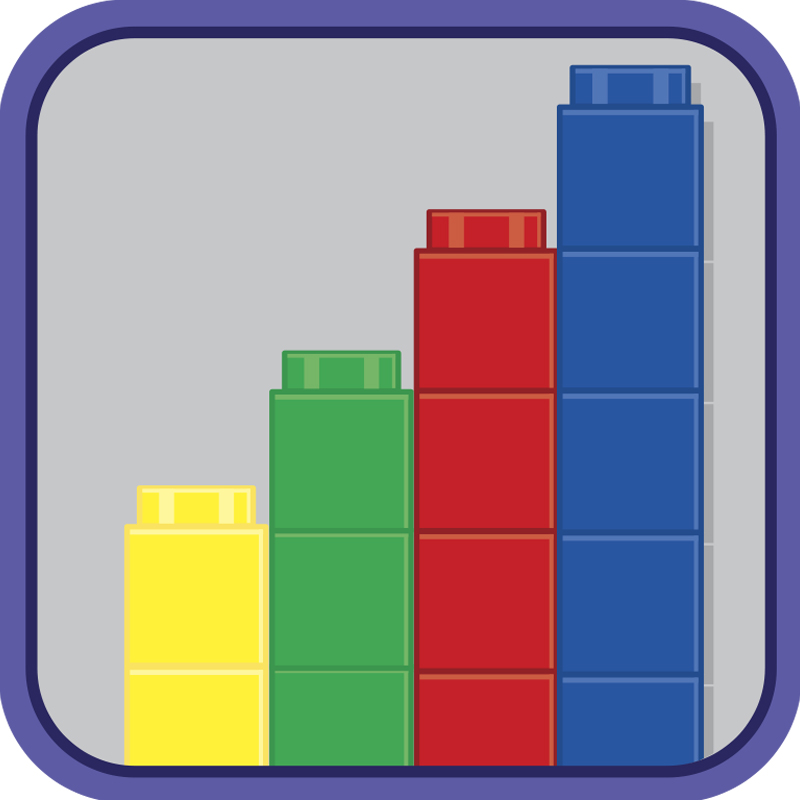
- Unifix centicubes (image from Visual Manipulatives for Math)
- Pro: you can stack up centicubes
- Con: you cannot glue them next to each other or anything like that.
 Ten-Frames, 1-20
- Ten-Frames, 1-100
- You could use this for younger students who are learning numbers.
- Number Lines
- Pro: Very useful for negative numbers and understanding additions and subtractions, I think.
- Con:
- You cannot go over 2 Whole numbers using the Number line. There is not a lot of space for more than maybe 3 whole numbers.
- You only have the basic fractions:
- 1/2, 1/3, 1/6, 1/5, 1/8, 1/4, 1/16, 1/12, 1/10, so it should be enough to do a few manipulations with those.
- 20-Bead Rekenrek
- 100-Bead Rekenrek
- Fraction Tiles & Number Line
- Pros: Manipulating fractions to find what can fit into a Whole number is great.
- Two-Color Counters
- 120 Number Board
- Color Tiles
- Base Ten Blocks
- Math Balance:
- Pros:
- Your students can visualize greater than and inferior than, etc.
- I think this is great once they understand things like adding and subtracting. This can be used for a precurser for Algebra. 2 + ? = 10?
- Cons: There’s very little you can do otherwise.
- Pros:
- Dice
- Spinners
- Pattern Blocks
- Do you remember Tangrams? This reminded me heavily of them. Maybe it’s a nice kind of transition activity to make younger students visualize a form and reproduce it on the whiteboard.
- Place Value Disks
- Pros: Place Value mats are excellent to show students the value of some digits in a number. For example: what is the value of 5 in 2,534? It’s in the hundreds.
- Cons: I’m not sure I understood how to use this manipulative.
- Geoboard
- Prime Factor Tiles
- Con: I did not understand how this one worked. It was difficult to understand.
- Algebra Tiles
- Pro: For a student to understand Algebra, some textbooks have been teaching through visualization of blocks. This is a great way to do this.
- Con: I also did not understand how this one worked, but the students need to visualize it, not have the computer work for them, so I guess it’s good.
They even have a tutorial on how to use the visual manipulatives, as they call it: Link here.
That’s all out of me,
I really hope that this post finds the light of day instead of being in my “forever drafts” list.
Have a great one and we’ll try to see you next month/week, whenever I can post next.
PV
 Tell Me More About TESL